The first step is to identify the right Ezynk setup to configure and subscribe to. To do that, let’s take a look at some sample cases to further our understanding.
Case 1
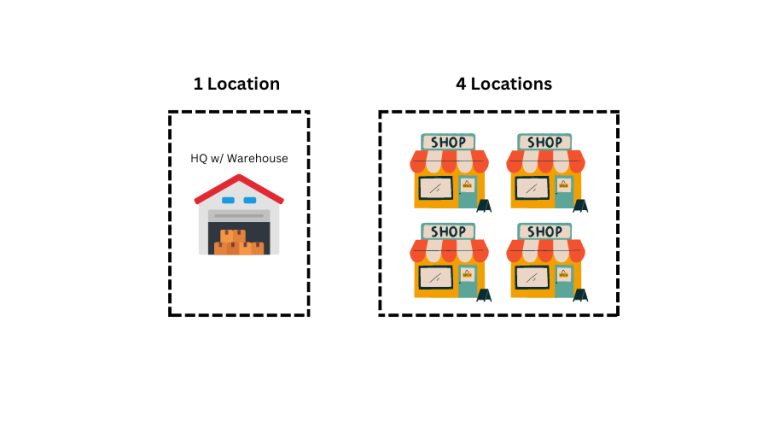
ABC Footwear Company (or just ABC for short) has a main office that also doubles up as it’s warehouse, and have a total of 4 retail stores. Thus, total no. of locations required for Ezynk is 1 + 4 = 5.
Case 2
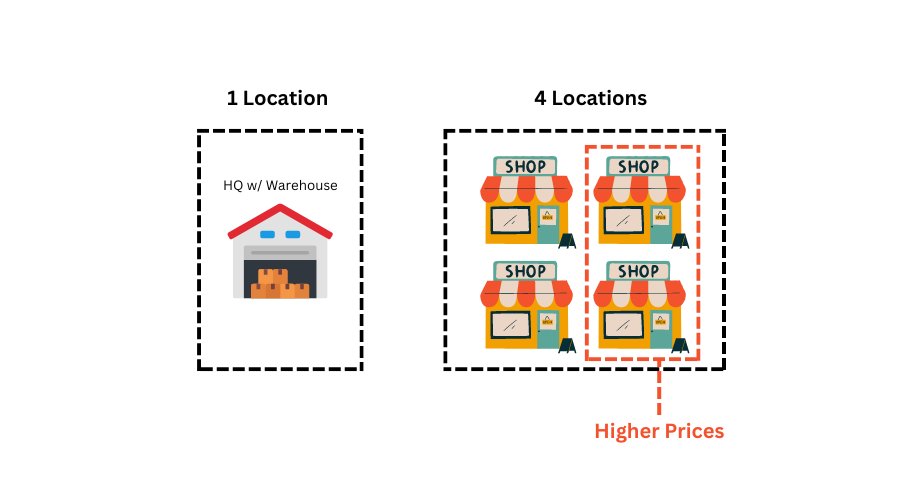
ABC now moved two of their shop locations to a more prime location, thus paying much higher rent. As such, they decided to increase the retail pricing for these two stores, while keeping the it same for the other two.
Total no. of locations required = 1 + 4 = 5
And, the ‘Advanced Pricing’ addon module is required.
Case 3
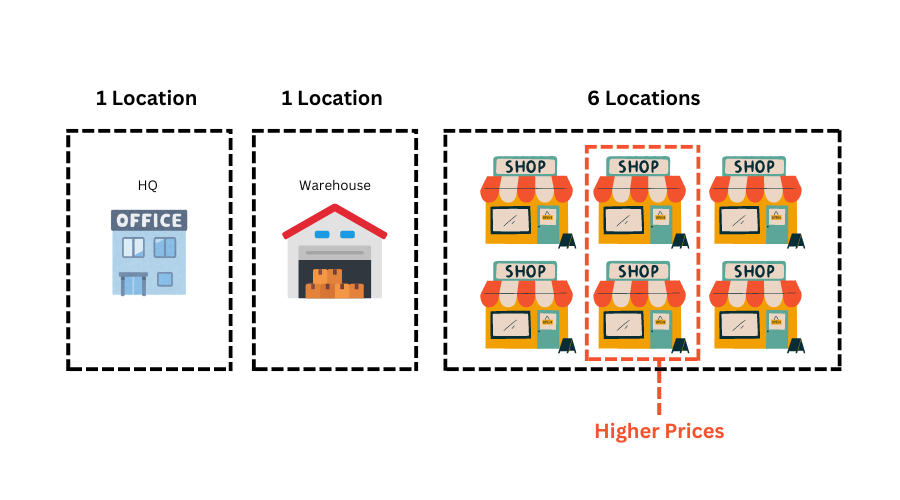
Business is booming for ABC. The company has decided to open two more stores, and separate the HQ office and move warehouse to another standalone larger facility. HQ office will handle all cashflow matters while warehouse will handle all inventory management.
Total no. of locations required = 1 + 1+ 6 =8
‘Advanced Pricing’ addon module is required since two locations are selling at higher retail prices.
Case 4
Yummy Burgers is a pop-up burger kiosk operating in 3 locations. Inventory is controlled by a central kitchen in a separate location. All procurement for ingredients is made by the central kitchen, as well as production of burger patty and special sauces. The central kitchen then despatch the burger buns, patties, and sauces to the kiosks on a daily basis.
Total no. of locations required = 1 + 3 = 4
‘Production’ addon module is required.
Bear in mind that it’s not just the Central Kitchen that requires production actions; the burger kiosks also involves production whenever an order is received. The very action of cooking and putting the burger together is a form of production. In Eyznk, we termed this as ‘Spot Production’.